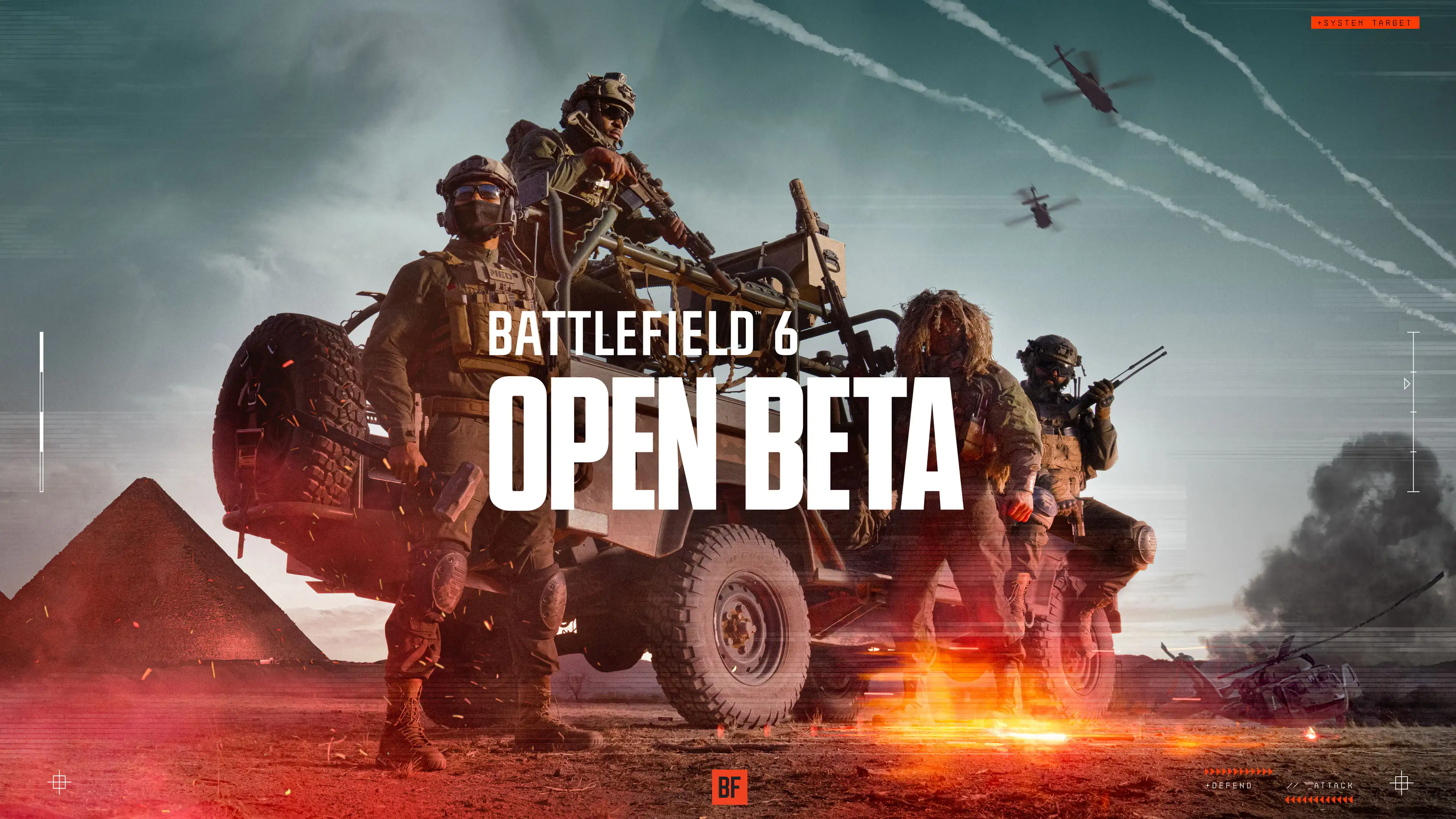
Battlefield Portal is a vast sandbox platform where creators and players alike can push the boundaries of Battlefield to new extremes. The second iteration of Battlefield 6 Portal has arrived, now accessible to all players alongside the complete full multiplayer experience and single-player campaign.
Unlike the standard multiplayer and campaign modes, every experience within Portal is brought to life by members of the Battlefield community—people just like you. Put simply, we provide the tools; it’s you and the entire community who shape the rules.
If you’re ready to craft your own Portal experience, we encourage you to dive into the Portal Creator Guide. If you’d rather first seek inspiration or explore what the community has built before rolling up your sleeves, follow these steps to begin.
The quickest way to jump into Battlefield 6’s Portal community experiences is to head straight for the “Community Categories” in the main menu, or visit our website and browse the “Community Experience Library” to search for specific creations.
Launch Battlefield 6 and navigate to the main menu—here, alongside multiplayer and single-player campaign access, you’ll find the “Community” section. Scroll down or select the “Community” tab to explore handpicked community experiences. Think of these as Portal’s custom modes: they might be creative twists on classic multiplayer formats (like Conquest or Breakthrough) or entirely fresh, one-of-a-kind Battlefield 6 gameplay concepts.
On the initial Portal screen, you’ll spot a collection of “Featured Community Experiences”—player-made creations handpicked by the Battlefield team for their standout creativity. Hungry for more? Hit the “Search” button to dive deeper into the in-game community library and discover even more player-driven content.
The Community Experience Library offers multiple sorting options, such as “Most Popular” or “Featured Experiences,” along with filters to refine your search:
Tags: Keyword labels that describe each community-created experience.
Maps & Modes: Narrow down results to specific modes (like Rush from multiplayer or custom modes) or maps (such as Operation Firestorm or Siege of Cairo).
Keyword Search: Find experiences whose names or descriptions include your chosen terms.
Experience Code: Perfect for tracking down a specific experience you have in mind. Every creation comes with a unique string of characters—just punch in the code to jump straight to it.
If your search comes up empty, that means the experience you’re after doesn’t exist… at least not yet. And that’s where you come in. As long as it’s possible with Battlefield 6’s creation tools and follows our community guidelines, you can bring it to life yourself.
Another way to find community experiences is via the Server Browser. Simply switch to the “Servers” tab in the “Search Experiences” menu to access it.
No special networking or development skills are required to host a Portal community experience—any player can do it.
Pick any community experience, hit “Host,” and you’ll enter a settings screen with straightforward options. Scroll down, and here’s what you’ll find, step by step: First up is the server name and description. Keep them concise (within the character limit) and clear—this helps draw other players to your server. Next are optional welcome messages and periodic announcements: the welcome message pops up when players join, while periodic ones appear at intervals during matches.
The most detailed hosting settings involve setting a password and enabling a persistent server. If you want to play the community experience exclusively with friends, setting a password is a good call—otherwise, any player who finds your hosted experience can join. As for persistent servers: flip this on, and even when you’re offline, your hosted server will still show up in searches, letting others jump in anytime.
Tip #1: Master the Dynamic Combat SystemAmong Battlefield 6’s new features, the “Dynamic Combat System” stands as the biggest leap forward for infantry combat. Wondering what “more realistic” combat truly means? You might’ve sampled it in the Beta, but these nuances are worth locking in:
Drag & Revive Simultaneously: Whether standing or crouched, you can haul downed teammates while reviving them—no need to stay rooted. Drag them to cover if possible, or use portable barriers; even a sideways shuffle can throw off enemy fire.
Wall-Mounted Stability: For pinpoint accuracy, mount your weapon on vertical surfaces (90-degree angles, similar to edge-mounting). This boosts stability, but note: recoil control leans more vertical than edge-mounts—adjust accordingly.
Crouch & Run: Sprint, then hit crouch to keep speed while staying low. Faster than walking (and way quicker than a crouch-walk), it lets you duck under low obstacles or dodge headshots with ease.
Tip #2: Dominate Vehicles—Sky or GroundBattlefield 6 overhauls vehicle controls, adding tactical depth to both infantry and vehicle play. Veterans thrive on experimentation, but these two tricks deserve attention:
Thrust Vectoring (Aircraft): Adjust thrust direction for high-risk evasion—perfect for shaking missile locks or enemy jets. Learn how your plane reacts to throttle shifts; tweak pitch/yaw before hitting max speed to master maneuverability. Pros can even pull a 90-degree pitch to act as an “air brake,” stall, adjust mid-air, then nose-dive back to full throttle.
J-Turn Maneuver: Climb high, stall at a 70-degree angle, use vectoring to flip 180 degrees, then restart engines and dive—simple, deadly, and great for reversing pursuit.
Vehicle Hitch: Hitch a ride on heavy vehicles (like IFVs) via their rear to use the hull as cover. Coordinate with the crew, confirm threats, then dismount and charge—ideal for tight urban corridors.
Tip #3: Mode Strategy—Rank Fast, Upgrade FasterYou know how to unlock gear, but here’s how to do it quicker:
Large-Scale Modes (Conquest, Escalation, Breakthrough): These objective-heavy battles (packed with enemies and vehicles) dish out the most career XP. Focus on objective kills, captures, or defenses—they’re XP goldmines.
Small-Scale Modes (Team Deathmatch, Assault, Stronghold King): No vehicles, all infantry. While class XP lags slightly behind large modes, these let you laser-focus on weapon missions—perfect for unlocking attachments, skins, and emblems.
Pro move: Stack mission progress via the menu, and activate XP boosters before long sessions—maximize every minute.
Tip #4: Be the Veteran the Battlefield NeedsBattlefield 6 will welcome a new wave of players—some picking up a shooter for the first time. Since 1942, new faces have grown into veterans like you. Now’s your turn to lead:
Mentor Newcomers: Teach that Level 1 recruit to fly a helicopter, guide them through “Recruit Training Mode,” or show them how to mark targets and call for help via chat.
Uphold Community Guidelines: Remember your first online match? Ditch toxic chaos—be the player you once admired.
Own the Impact: Helping a newbie turn the tide? It’s not just satisfying—it’s a story to brag about.
Tip #5: Join Friday Night Battlefields—Rewards + TeammatesIt’s back, and better than ever:
Every Friday, 12:00 PM UTC – Saturday 12:00 PM UTC (8:00 PM Beijing Time), dive into #FridayNightBattlefield. Play, rally the community, and earn exclusive in-game rewards just for joining.
Prep your weekend, hit the official Battlefield Discord, and connect beyond the game. Lifelong squadmates? They’re probably there. Just keep being that reliable veteran.